
Chrome toolbar wallet
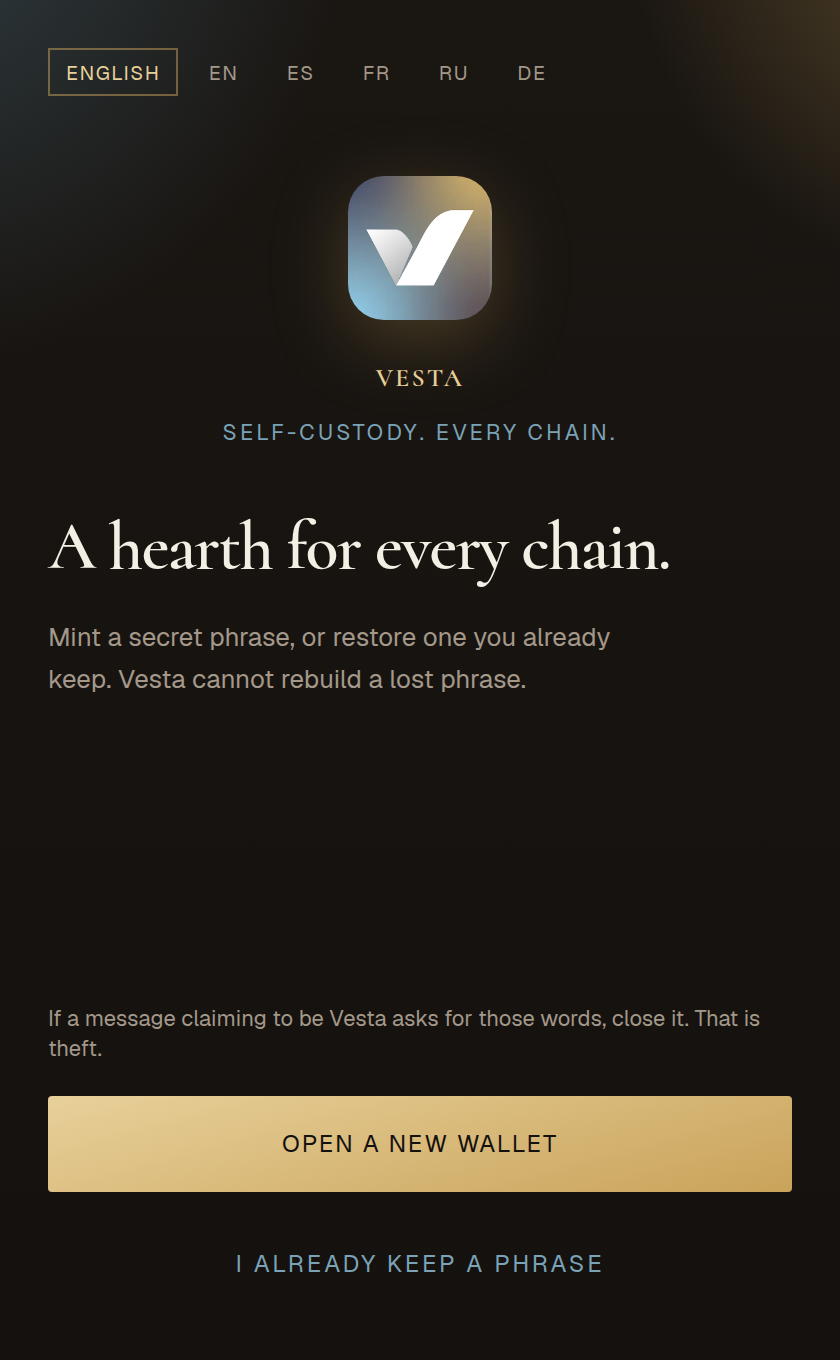
A hearth for every chain.
Mint a 12 or 24 word phrase on this computer, or restore one you already keep. Vault, Activity, and Cabinet live in a 360 by 600 popup. The phrase never leaves the device, and we do not keep a copy.
Support: help@vestawallet.xyz
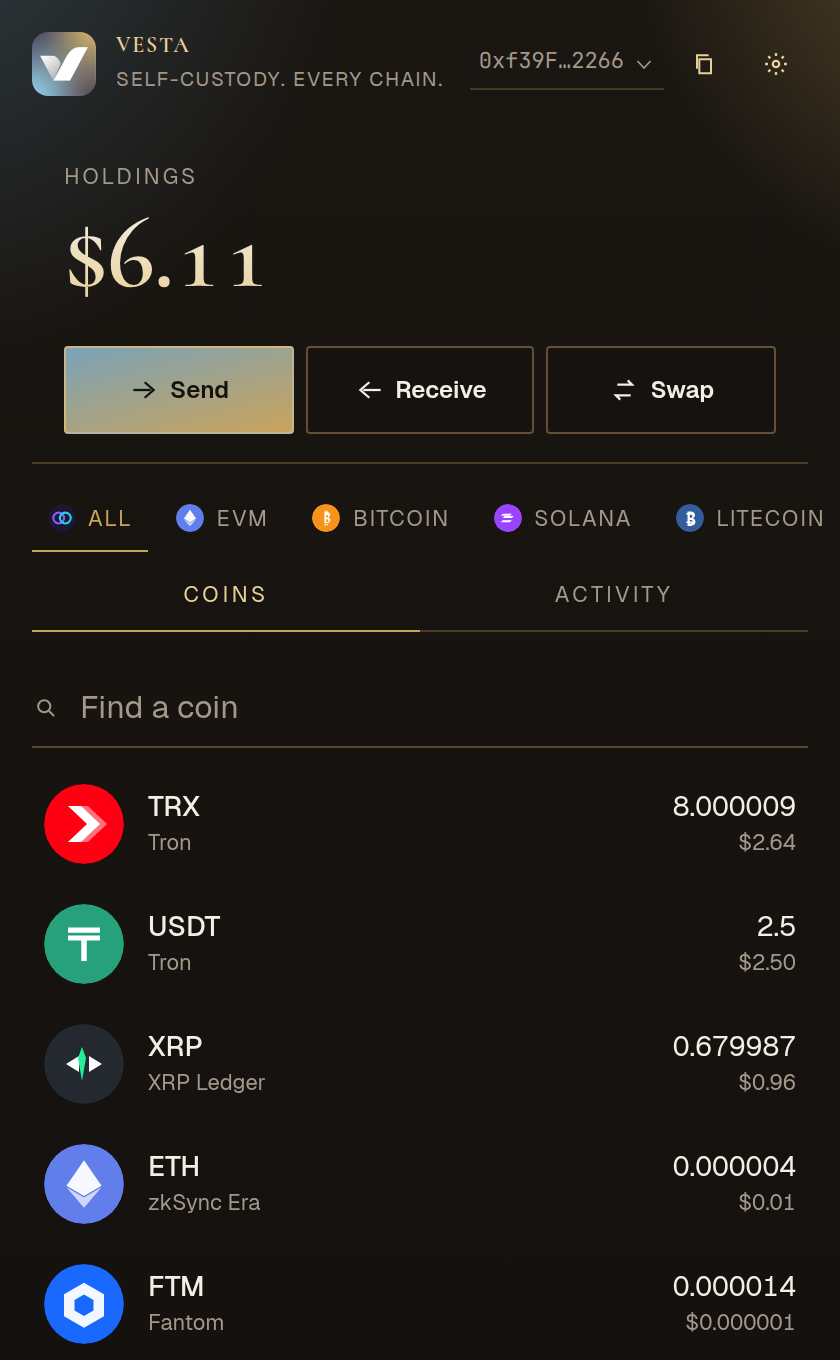
Inside the popup
The toolbar opens three rooms.
Open Vesta from Chrome. Unlock with the password you set on this device. That password cannot rebuild a lost phrase.
Vault
Holdings in one place. Filter a network, search a coin, then send, receive, or swap without leaving the window. Paste a contract to add an EVM token. Point a chain at a custom RPC. Copy an address from the list.
Activity
Incoming and outgoing on the native stacks and the major EVM chains, plus anything you sent from Vesta. Open the explorer from the row when you want the chain’s own record.
Cabinet
Copy each stack’s address. Switch English, Spanish, French, Russian, or German. Set auto-lock. Manage connected sites. Derive another HD slot. Reveal the phrase only after the lock password.
Coverage
One phrase. The networks you actually use.
Add an EVM network of your own if it is missing. A raw EVM private key only opens EVM. The native stacks need the phrase.
All stacks
BitcoinEthereumSolana
BaseTONTronXRP
SuiAptosCosmosLitecoin
DogecoinBitcoin CashZcashArbitrum
OptimismPolygonBNB ChainCustom EVM
In the window
The details that stay with Vesta.
Extra HD slot
One new slot grows a fresh address on every network at once. Address 1 stays put.
Quotes you read first
EVM routes come from LI.FI. Solana routes come from Jupiter. You confirm in Vesta.
Send the way exchanges ask
ENS names resolve on send. XRP can take a destination tag. Zcash uses transparent t-addresses.
Connect stays in the wallet
A website can ask to connect or sign. Approve it, reject it, or disconnect later in Cabinet.
Privacy
No account. Nothing to sell.
The encrypted vault lives on this computer. We do not collect the phrase, private keys, or unlock password. The policy below is the document Chrome Web Store review will list.
- On this device Encrypted vault, settings, connected-site permissions, local history.
- Not collected Secret phrase, private keys, unlock password, browsing, advertising IDs.
- When you transact The RPC or quote service you use can see the addresses in that request.
- This website No cookies, no analytics pixels, no marketing profile.
Chrome
Download opens here.
The listing is not live yet. This page is where it will sit.
Toolbar popup
Vesta for Chrome
360 by 600. Send, receive, swap, and approve sites from the extension. Keys stay on this computer.